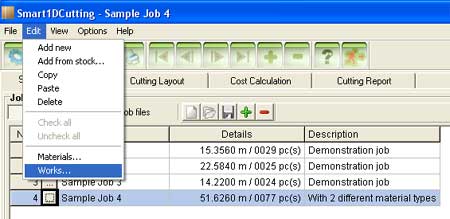
To edit works select Edit -> Works...
from the application main menu.
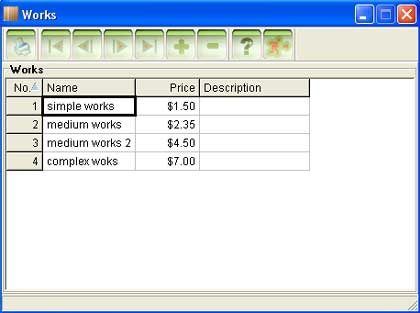
A new window showing the existing works and their options will open:
Works represent the operational costs involved for parts production (additional
to material costs). You can define different works types, each with its
own price.
No.
- the row number. This value is used in the works selection
drop-down list, in parts grid.
Name
- the name of the works. The name is printed
only on "Cost calculation" report. In parts grid, the works
no. is displayed instead.
Price
- the price of the works, per part. The
price should represent the operational costs for 1 part.
Description
- the description of the works. This field
doesn't appear anywhere else in the program.
Use the buttons from the top buttons bar to Print ,
Add
or Remove
works.